Image workflow · 8 min read
How to Resize Images Without Losing Practical Quality
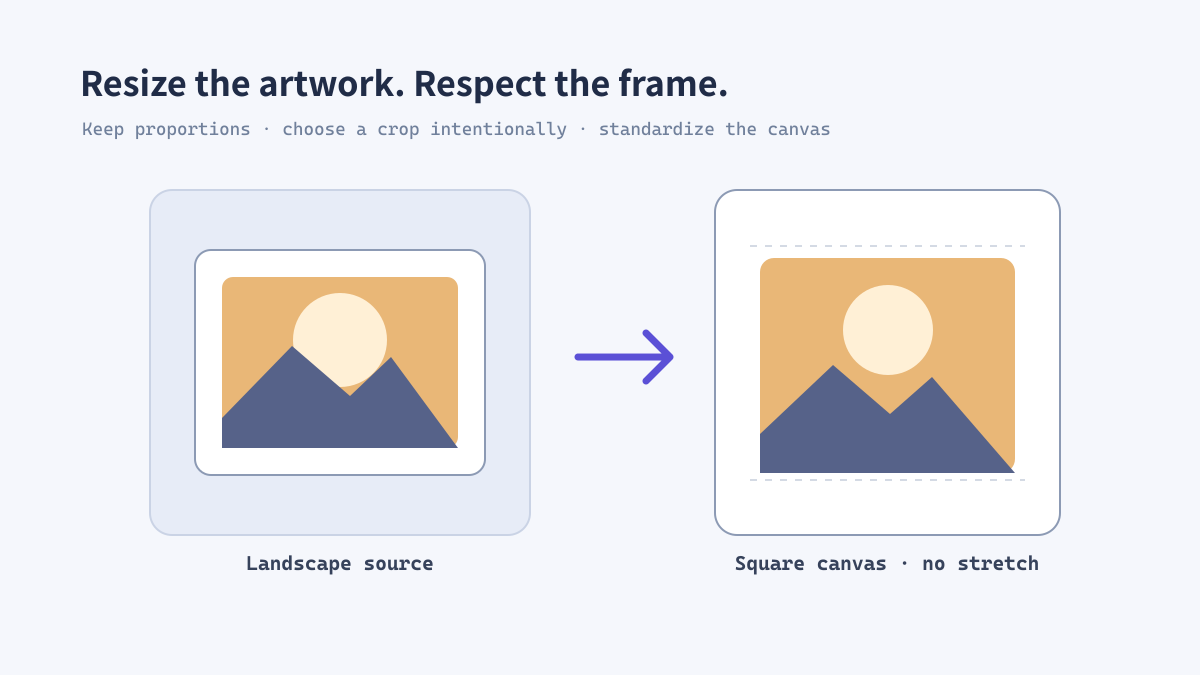
Resizing is more than entering a new width. You need to decide whether the image should fit, fill, or sit inside a fixed canvas, then choose an output format that matches the final use. A careful resize often improves both visual consistency and loading speed.
Image size and canvas size are not the same
Image size describes the artwork itself. Canvas size describes the complete output frame around it. Keeping those controls separate is useful when a store requires every product image to be 1200 × 1200 but the product artwork has a different aspect ratio.
If you stretch artwork to force a square, objects become distorted. If you place it on a square canvas and preserve its aspect ratio, the object stays natural and the output remains consistent across a catalog.
Illustrative workflow image for this guide.
Choose the right resize mode
For product images, fit plus a controlled canvas is often safer than fill. For social thumbnails, fill may be appropriate when the focal point is positioned intentionally.
- Fit: preserve the full image and accept empty space when the target ratio differs.
- Fill: cover the full frame, but crop edges deliberately and check the subject position.
- Stretch: use only for abstract backgrounds or assets where distortion is acceptable.
- Pixel-perfect export: use exact dimensions when a platform or UI slot specifies them.
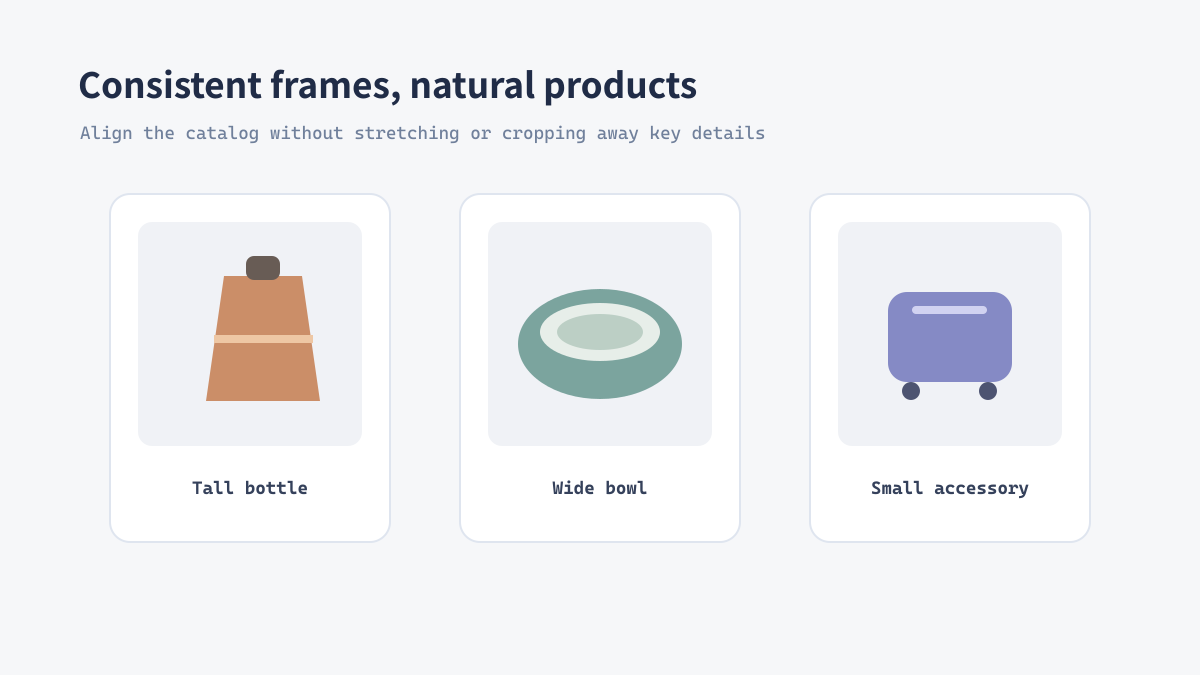
Illustrative workflow image for this guide.
Real example: preparing marketplace images
A marketplace may require a square image even when a product photo is landscape. Resize the product to the maximum comfortable content size, place it on a square white canvas, and export a WebP or JPG copy. The result aligns with neighboring products without cutting off the item.
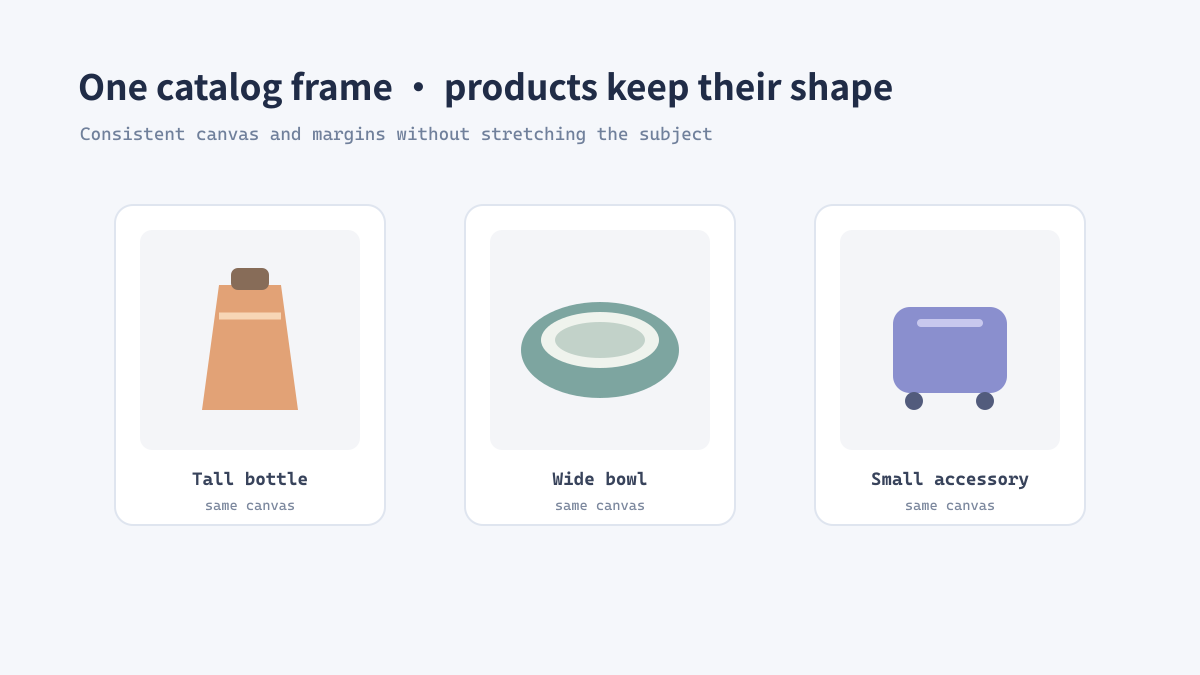
Illustrative workflow image for this guide.
A safe resizing checklist
- Keep the original file untouched.
- Write down the target dimensions and required aspect ratio.
- Resize with proportional scaling and choose a canvas color if needed.
- Inspect the smallest text and the edges of the main subject.
- Export a delivery format, then compare file size in the actual page context.